
Scientific Skills
How to Use a Scientific Calculator
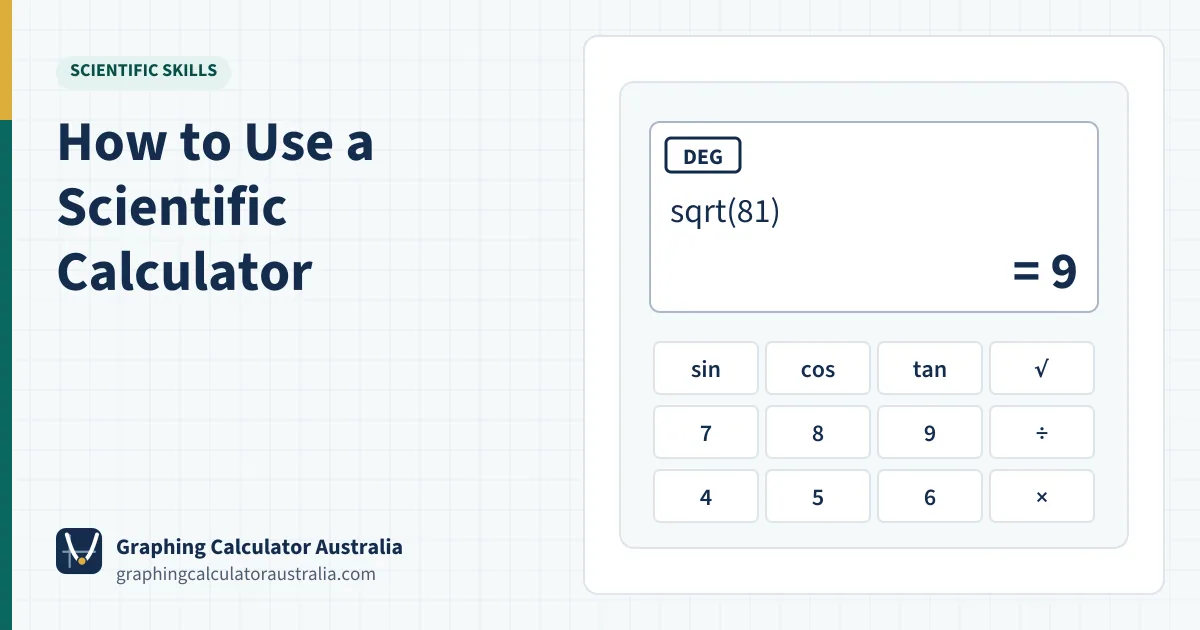
Check the mode, type with brackets, press equals and sanity-check the answer. Examples include sqrt(81) = 9, log(1000) = 3 and sin(30) = 0.5 in degrees.
Work out trig values, powers, roots, logarithms and factorials in degrees or radians. Type with your keyboard or tap the keys; results show instantly and stay in this tab’s history. Nothing you enter leaves your device.
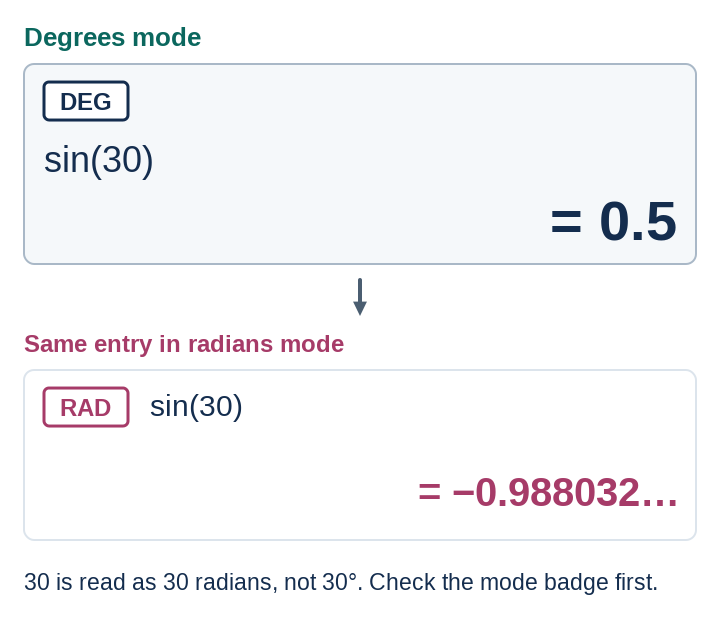
With Degrees selected (the badge shows DEG), sin(30) gives 0.5. Switch to Radians and the same keys give about −0.988032, because 30 is now read as 30 radians. When a trig answer looks wrong, check the badge first.
| Operation | Type | Example |
|---|---|---|
| + − × ÷ and brackets | + - * / ( ) | (2+3)*4 = 20 |
| Powers and squares | ^, x² | 2^10 = 1024 |
| Square and cube roots | sqrt( ), cbrt( ) | sqrt(81) = 9, cbrt(-8) = −2 |
| Reciprocal | 1/x key wraps the entry | 1/(8) = 0.125 |
| Factorial | ! | 5! = 120 |
| Trig and inverses | sin cos tan asin acos atan | asin(0.5) = 30 (DEG) |
| Logarithms | log( ) base 10, ln( ) base e | log(1000) = 3 |
| Exponentials | 10^, exp( ), e^ | exp(1) = 2.71828182846 |
| Constants | pi or π, e | 2pi = 6.28318530718 |
| Scientific notation | E (×10ⁿ key) | 3.2E5 = 320000 |
| Percent | % means ÷ 100 | 200*15% = 30 |
| Previous answer | ans | ans*2 |
-2^2 = −4 and (-2)^2 = 4. Implied multiplication (2pi, 3(4)) has the same priority as ×. Read the full rules.% always divides the value before it by 100. It does not apply shop-style “add a percentage” rules: 200+10% is 200.1, not 220. Write 200*1.1 for a 10% increase.cbrt(-8) for the real cube root of a negative number.Your calculations and history stay in this browser tab (session storage) and are cleared when you close it or press Clear. We do not send expressions or results to our server or to analytics.
This is an independent learning tool, not a model-specific calculator such as a TI-30XB or Casio fx-82, and it is not approved for exams. See how to check Australian exam calculator rules and our TI-30XB MultiView guide.
Check the mode, type with brackets, press equals and sanity-check the answer. Examples include sqrt(81) = 9, log(1000) = 3 and sin(30) = 0.5 in degrees.
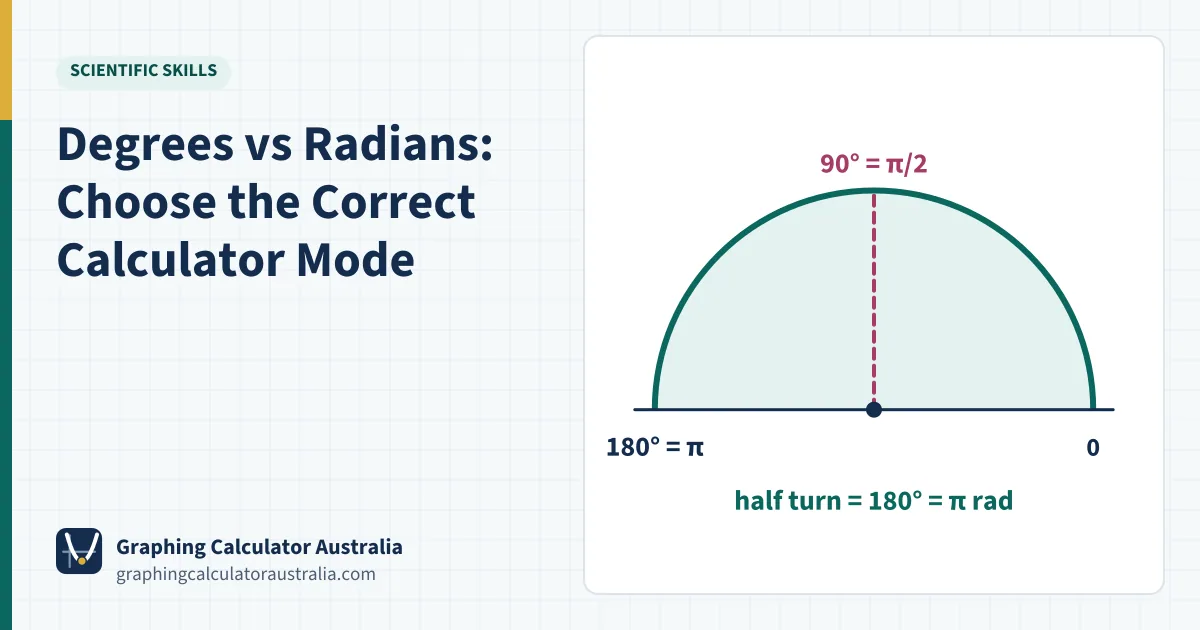
180° equals π radians. Learn to convert, recognise which mode a question needs, and see why sin(30) gives 0.5 in one mode and −0.988 in the other.
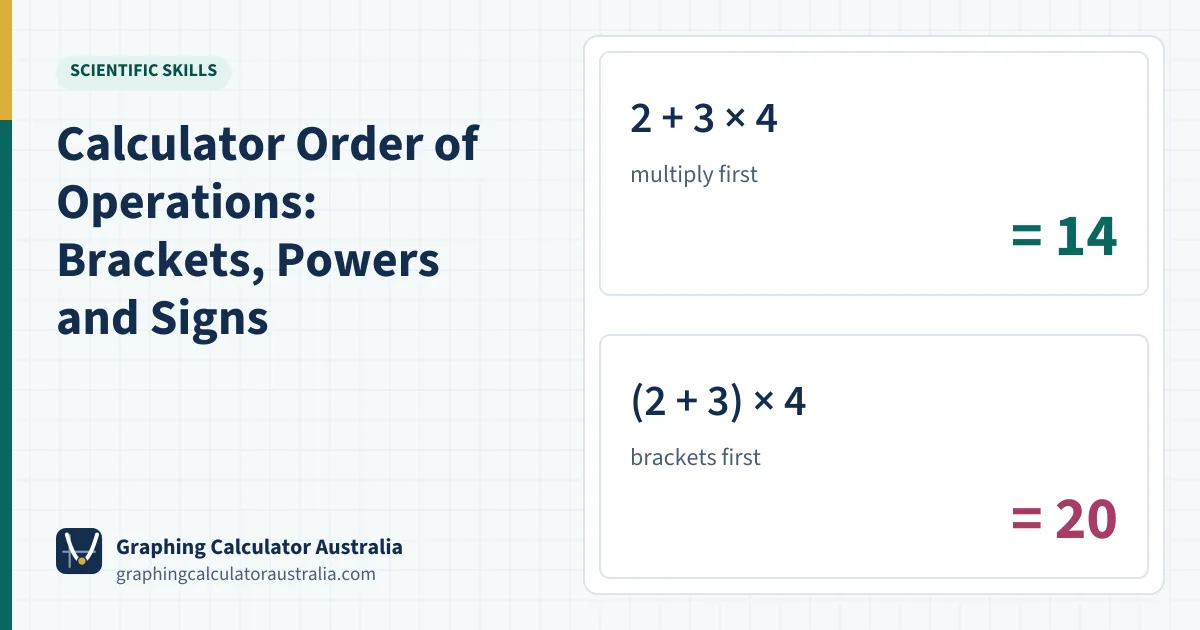
Brackets first, then powers, then × and ÷, then + and −. See exactly how our engine treats negative signs, stacked powers and implied multiplication.