The TI-30XB MultiView is a scientific calculator commonly found on Australian school booklists. Many students search for a “TI-30XB calculator online” to practise at home. This guide explains what the physical calculator does, where it stands on exam lists we checked, and what an online alternative can and cannot replace.
What the TI-30XB MultiView does
According to Texas Instruments’ Australian product page (checked 23 November 2026), its listed features include:
- MathPrint™ — expressions and results displayed in textbook-style notation;
- fraction/decimal conversion;
- one- and two-variable statistics;
- generating a table from a rule, either automatically or for chosen x values;
- editing, cutting and pasting entries;
- battery power.
The same TI page is inconsistent about the display (it mentions both a four-line and a two-line display), so we have not stated a line count here. Check TI’s guidebook for your unit.
Exam lists
- New South Wales: NESA’s approved calculators page for the 2027 HSC lists the TI-30XB MultiView among approved calculators.
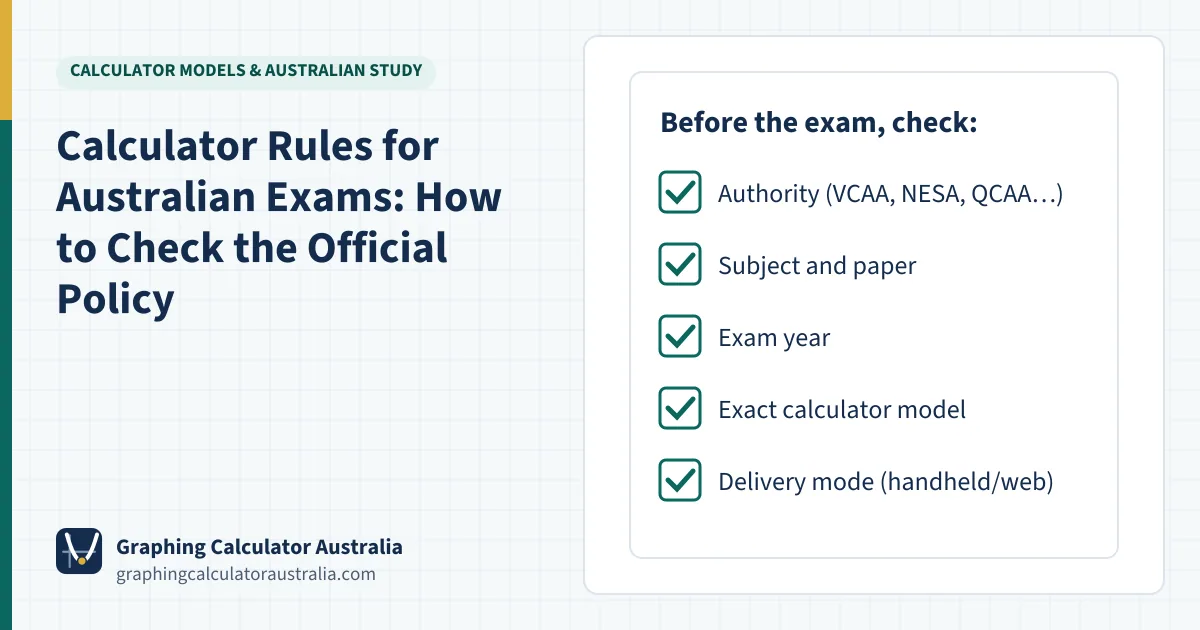
- Other states: check your own authority’s current list — for example QCAA’s scientific calculator list in Queensland, or VCAA’s rules for scientific calculators in Victoria.
Lists change by year, so confirm with the official pages and your school before buying or relying on any model.
Physical TI-30XB versus our online calculator
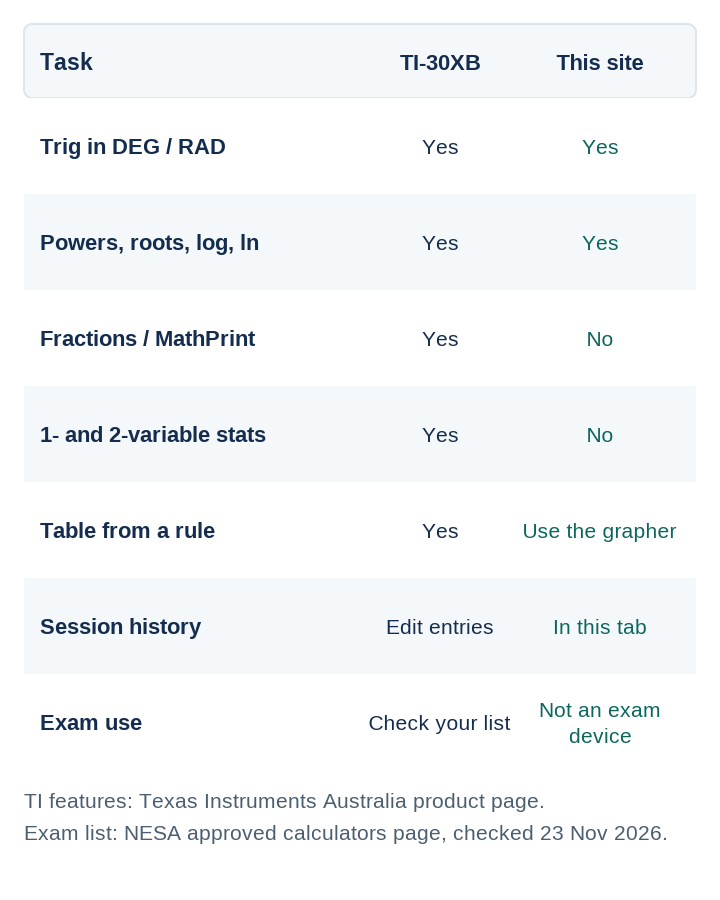
| Task | TI-30XB MultiView | Our scientific calculator |
|---|---|---|
| Trig in degrees or radians | Yes | Yes |
| Powers, roots, log, ln | Yes | Yes |
| Fractions and MathPrint display | Yes | No — decimals only |
| One- and two-variable statistics | Yes | No |
| Table from a rule | Yes | Use our graphing calculator's table |
| Previous entries | Edit and reuse entries | History in the current browser tab |
| Exam use | Check your authority's list | Not an exam device |
A worked example on both
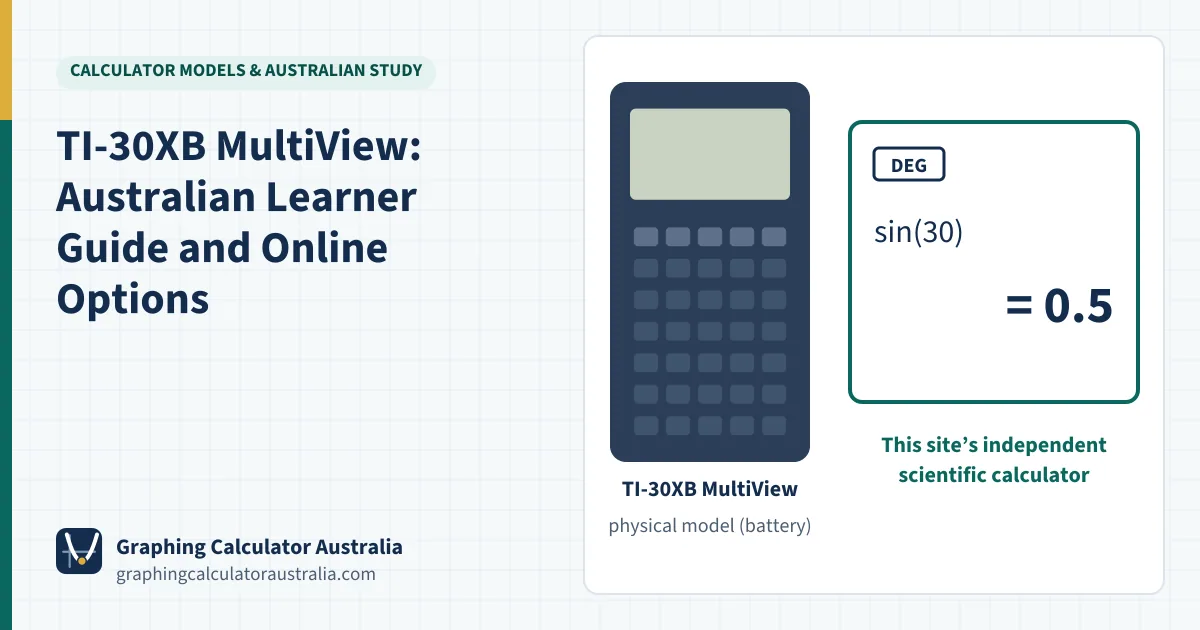
Find sin 30°:
- On a TI-30XB: make sure the calculator is in degree mode (see TI’s guidebook for the mode menu), then evaluate sin 30.
- On our calculator: select Degrees (shown by the DEG badge), type
sin(30)and press =. The result is 0.5.
If either calculator gives about −0.988, it is in radian mode. See degrees vs radians.
How to practise effectively
- Use an online calculator to check answers and explore, especially away from school.
- Learn the TI-30XB’s own key sequences for fractions, statistics and tables from TI’s official guidebook — those skills do not transfer from a different interface.
- Do timed practice on the physical calculator you will take into the exam.
Common questions
Is there an official TI-30XB online version?
We did not find a TI-30XB browser product on the TI pages we checked. Do not download unofficial “emulators” that may include TI software you are not licensed to use.
Why don’t you offer a TI-30XB simulator?
Because we could not make one that is exact and lawful. A generic calculator labelled “TI-30XB” would mislead students about which keys and features to expect.
Sources and references
- TI-30XB MultiView scientific calculator (Australia) — Texas Instruments (checked 23 November 2026)
- TI-30XS/TI-30XB MultiView guidebooks (Australia) — Texas Instruments (checked 23 November 2026)
- Approved calculators — 2027 HSC — NESA (checked 23 November 2026)
How this guide was made: drafted with AI assistance under the site’s editorial policy. Worked examples and plotted figures are computed by the same maths engine as our calculators and checked by automated tests. Found an error? Report a correction.