Online Calculators for Australian Learners
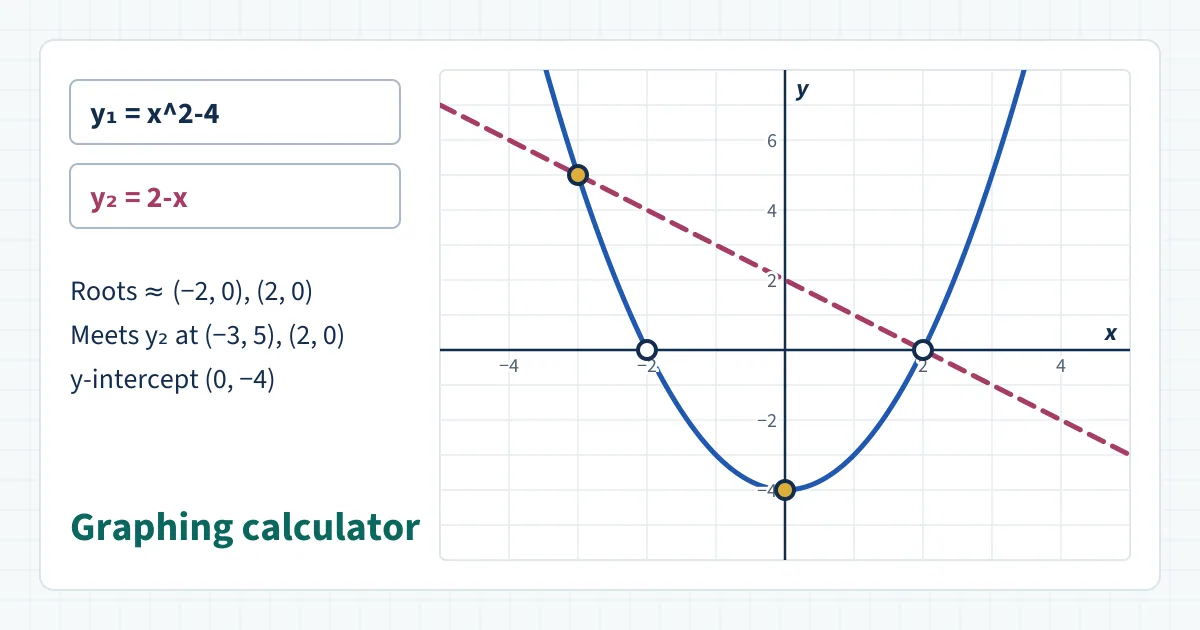
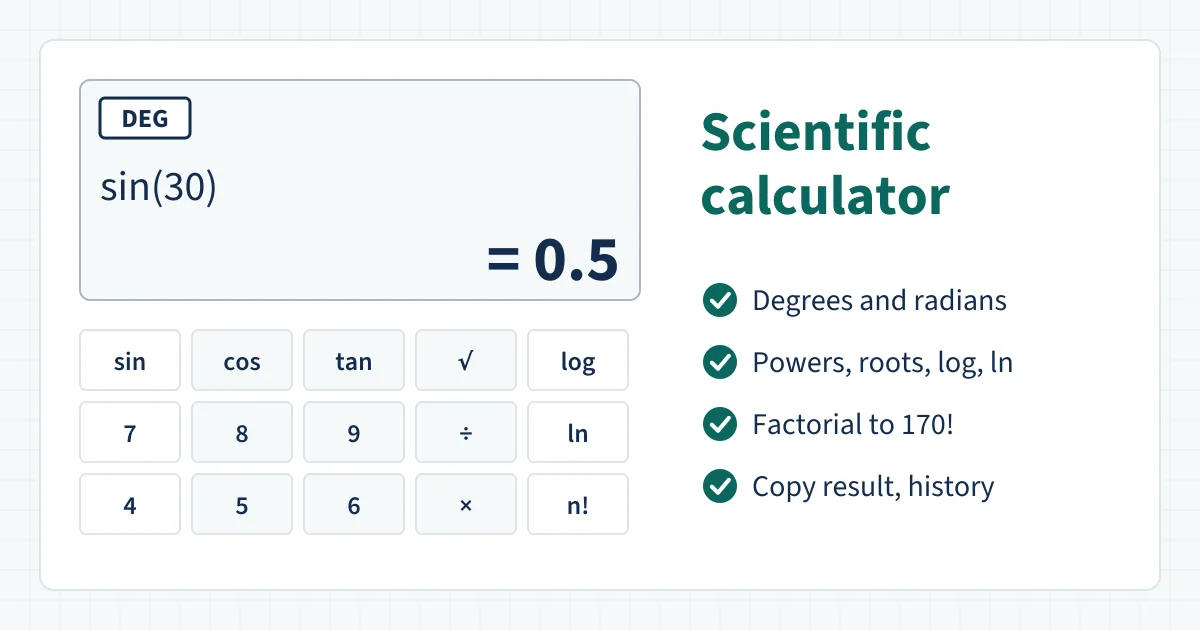
Two working tools, built on the same maths engine. Choose the graphing calculator to see shapes and key points, or the scientific calculator for fast single answers.
Capability comparison
Features of each tool | Feature | Graphing | Scientific |
|---|
| Plot y = f(x) functions (up to six) | Yes | No |
| Roots, y-intercepts, intersections | Estimates in window | No |
| Table of values, CSV export | Yes (up to 201 rows) | No |
| Degrees / radians | Yes | Yes |
| sin, cos, tan and inverses | Yes | Yes |
| log, ln, sqrt, cbrt, abs, factorial | Yes | Yes |
| History and Ans | No | Yes |
| PNG export | Yes | No |
| Symbolic algebra (CAS), statistics, matrices | No | No |
Not sure which to use? Read graphing vs scientific calculators. Looking for a specific handheld model? Our TI-84 online options and TI-30XB MultiView guides explain official and independent options; we do not offer model emulators.