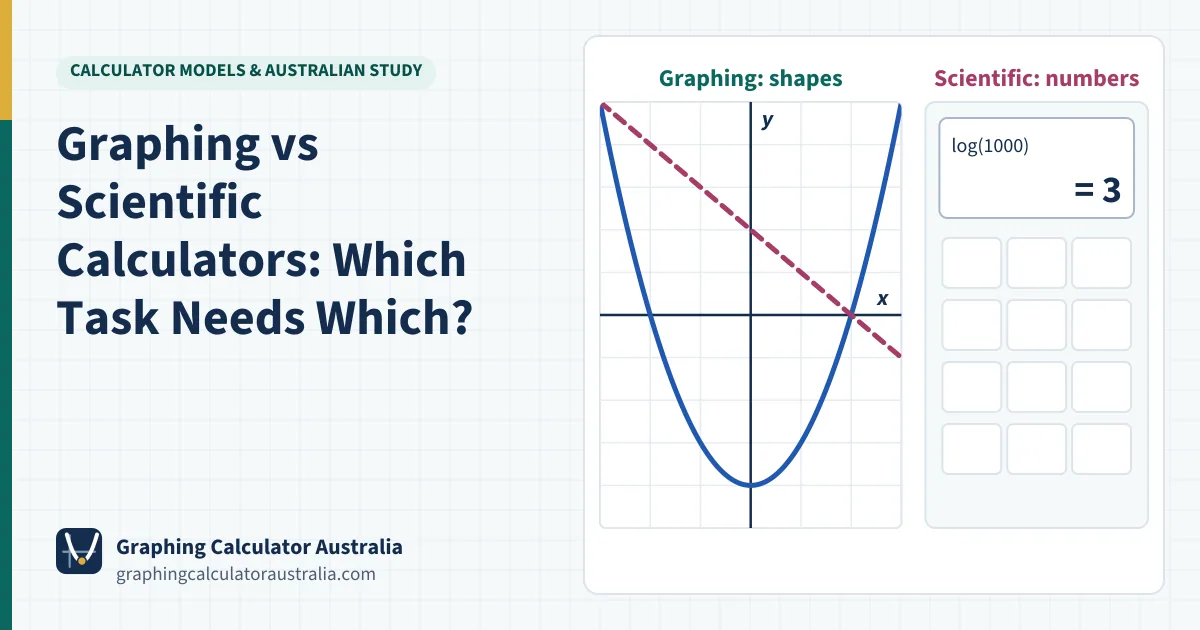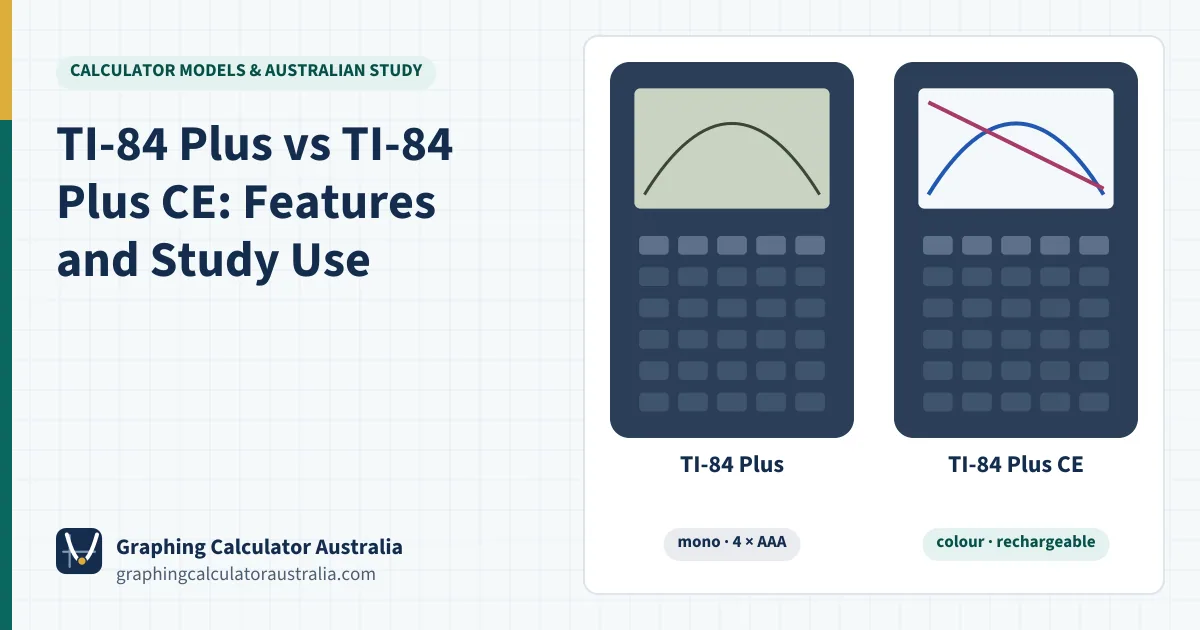
Calculator rules for Australian exams are set by each state or territory’s curriculum and assessment authority, and they change. A calculator that is fine in one state, subject or year can be banned in another. This guide does not tell you which calculator is allowed — it shows you how to find out reliably, with links to the official pages we checked on 23 November 2026.
Why the rules vary
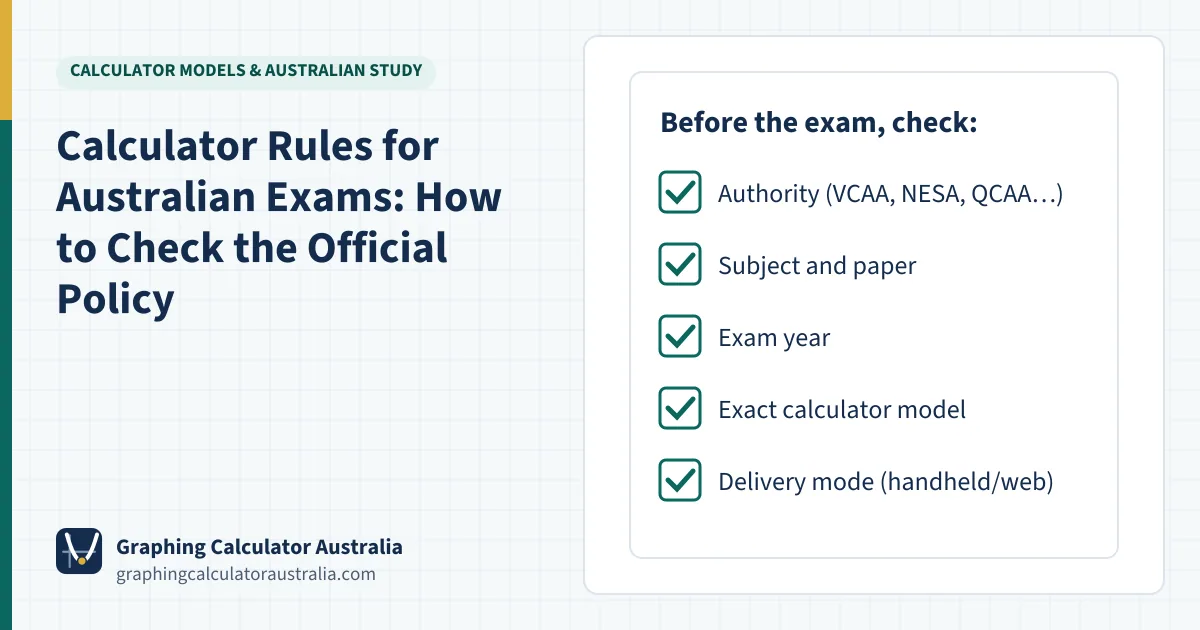
Authorities set calculator rules according to:
- Authority and state: VCAA (Victoria), NESA (New South Wales), QCAA (Queensland), SACE Board (South Australia) and others each publish their own lists.
- Subject and paper: some papers are technology-free; others permit a scientific, graphics or CAS calculator.
- Exam year: lists are updated, and a page for next year’s exams may already be live.
- Device features: test or restricted modes, memory clearing and CAS functions are often specified.
- Delivery mode: a physical handheld is different from software or a website. A website being usable for practice does not make it permitted in an exam.
The checking process
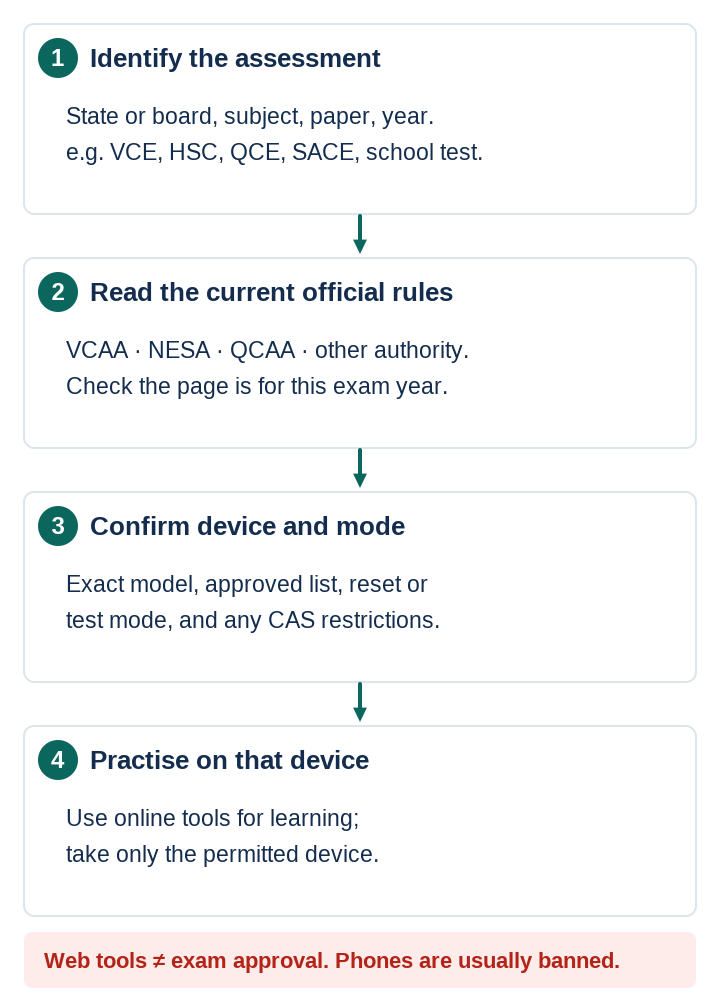
- Identify the assessment. Write down the authority, course, subject, paper (for example “Paper 2” or “Examination 2”) and year.
- Read the current official page. Go to the authority’s website, not a forum or retailer. Check that the page is for your exam year.
- Confirm with your school. Teachers and exam coordinators know local procedures, such as memory resets or test-mode checks before entry.
- Practise on the permitted device. Learn its menus well before the exam.
What the official pages said when we checked
The points below summarise pages we read on 23 November 2026. They are a starting point only — always open the source and confirm it still applies.
New South Wales (NESA, HSC)
- NESA’s approved calculators page sits under 2027 Rules and procedures and states that only calculators approved by NESA can be used in HSC exams.
- It states that an approved calculator may not be programmable, have graphing capability, have CAS functionality, or have inbuilt financial functions.
- A NESA news item published in September 2025 announced the Casio fx-8200 AU II as approved from the 2026 HSC onwards.
- Students needing accessible calculators can apply through NESA’s exam provisions.
Victoria (VCAA, VCE)
- VCAA’s authorised materials page for 2026 VCE external assessments describes which papers permit an approved CAS calculator or CAS software and a scientific calculator, and defines a scientific calculator as one without graphic, symbolic or programming capability.
- VCAA Notice to Schools 66 (25 June 2026) said there were no changes to approved technology for 2026 examinations and that the Approved technology page had been updated for 2027.
- VCAA has announced that custom functionality on CAS calculators, including user-defined functions, is to be restricted in VCE Mathematics examinations from 2027.
Queensland (QCAA, QCE)
- QCAA memo 044/26 (August 2026) announced updated graphics and scientific calculator lists, including updated instructions for resetting or clearing approved calculators before and after external assessment.
- QCAA publishes separate lists of approved graphics calculators, approved scientific calculators and graphics calculators that are not permitted. Read the current PDF lists linked from QCAA’s site.
South Australia (SACE)
- The SACE Board’s information sheet on examinations lists approved graphics calculators for mathematics subjects and explains how many calculators of each type may be brought into the room.
Other states and territories
Western Australia, Tasmania, the ACT and the Northern Territory publish their own requirements. Search your authority’s site for “approved calculators” together with the exam year.
Questions to ask your school
- Which exact models are approved for each of my papers this year?
- Does my calculator need a test mode, restricted mode or memory reset? Who does it?
- Can I bring a spare calculator or batteries?
- Are any functions (for example CAS user-defined functions) restricted?
Using online tools sensibly
Online graphing and scientific calculators are excellent for homework, checking working and building intuition. They cannot replace practice on your permitted device, because menus, input syntax and output formats differ. Mobile phones and internet-connected devices are generally not permitted in exam rooms — follow your authority’s rules.
- Relying on last year's list or a retailer's "exam approved" label.
- Assuming a graphics calculator is allowed because it was used in class.
- Assuming an online calculator is allowed because it is free and similar.
- Leaving reset or test-mode setup until exam morning.
Common questions
Is this website’s calculator allowed in exams?
No. It is a web-based learning tool and is not on any authority’s approved list.
Where do I find the rules if I study interstate or overseas?
Use the authority that runs your assessment, not the one where you live. International Baccalaureate and university exams have their own rules.
Sources and references
- Approved calculators — 2027 HSC rules and procedures — NSW Education Standards Authority (NESA) (checked 23 November 2026)
- New approved calculator for 2026 HSC — NESA (checked 23 November 2026)
- Authorised materials and equipment for 2026 VCE external assessments — Victorian Curriculum and Assessment Authority (VCAA) (checked 23 November 2026)
- Approved technology — VCAA (checked 23 November 2026)
- Notice to Schools 66 — 25 June 2026 — VCAA (checked 23 November 2026)
- Memo 044/26: Scientific and graphics calculator lists (updated 2026) — Queensland Curriculum and Assessment Authority (QCAA) (checked 23 November 2026)
- Information sheet 49: calculators in examinations — SACE Board of South Australia (checked 23 November 2026)
How this guide was made: drafted with AI assistance under the site’s editorial policy. Worked examples and plotted figures are computed by the same maths engine as our calculators and checked by automated tests. Found an error? Report a correction.