A scientific calculator handles the operations an ordinary calculator cannot: powers, roots, logarithms, trigonometry and factorials. The buttons are simple; most errors come from the mode, missing brackets or misreading the answer. This guide follows the actual layout of our scientific calculator.
The display
- The entry line shows what you type. You can click into it and edit like any text box.
- The result line shows a live preview as you type and the final answer after =.
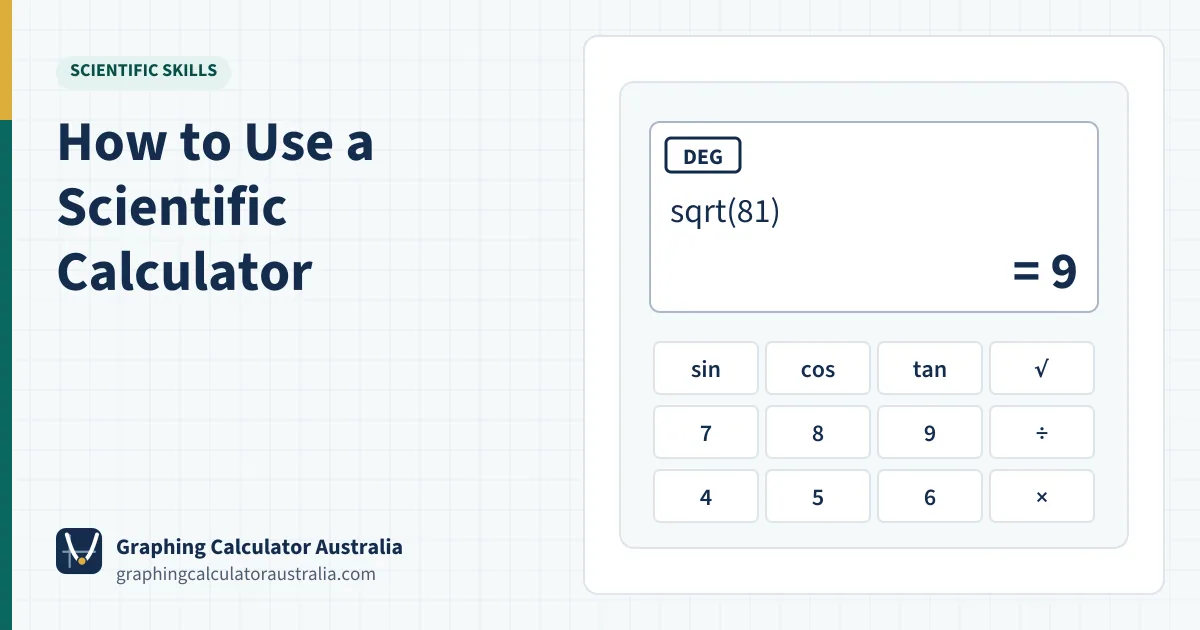
- The DEG / RAD badge shows the angle mode. It is always visible.
- History (beside or below the keys) lists previous calculations in this browser tab.
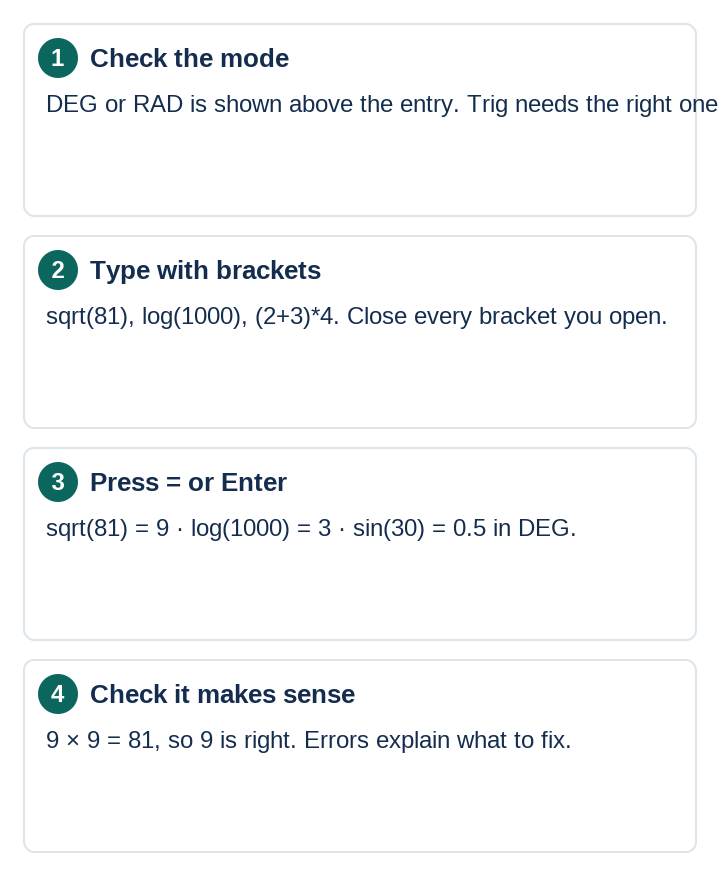
Step 1: check the mode
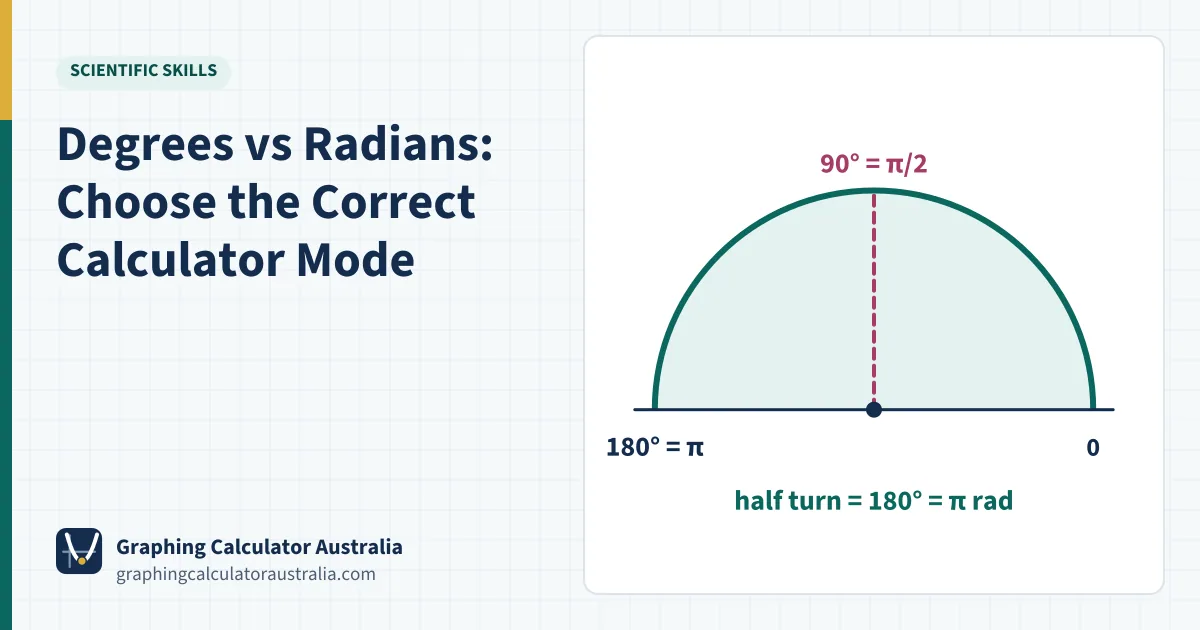
Degree mode is selected by default on our scientific calculator. Switch to radians if your angles are in radians (for example π/2). The mode only affects sin, cos, tan and their inverses. Read more in degrees vs radians.
Step 2: type with brackets
Every function takes its input in brackets. Pressing a function key inserts the opening bracket for you.
| Task | Type | Result |
|---|---|---|
| Square root | sqrt(81) | 9 |
| Power | 2^10 | 1024 |
| Square | 12^2 (x² key) | 144 |
| Log base 10 | log(1000) | 3 |
| Natural log | ln(e) | 1 |
| Factorial | 5! | 120 |
| Reciprocal | type 8, press 1/x | 0.125 |
| Percent (÷100) | 200*15% | 30 |
| Sine, degrees | sin(30) in DEG | 0.5 |
| Inverse sine, degrees | asin(0.5) in DEG | 30 |
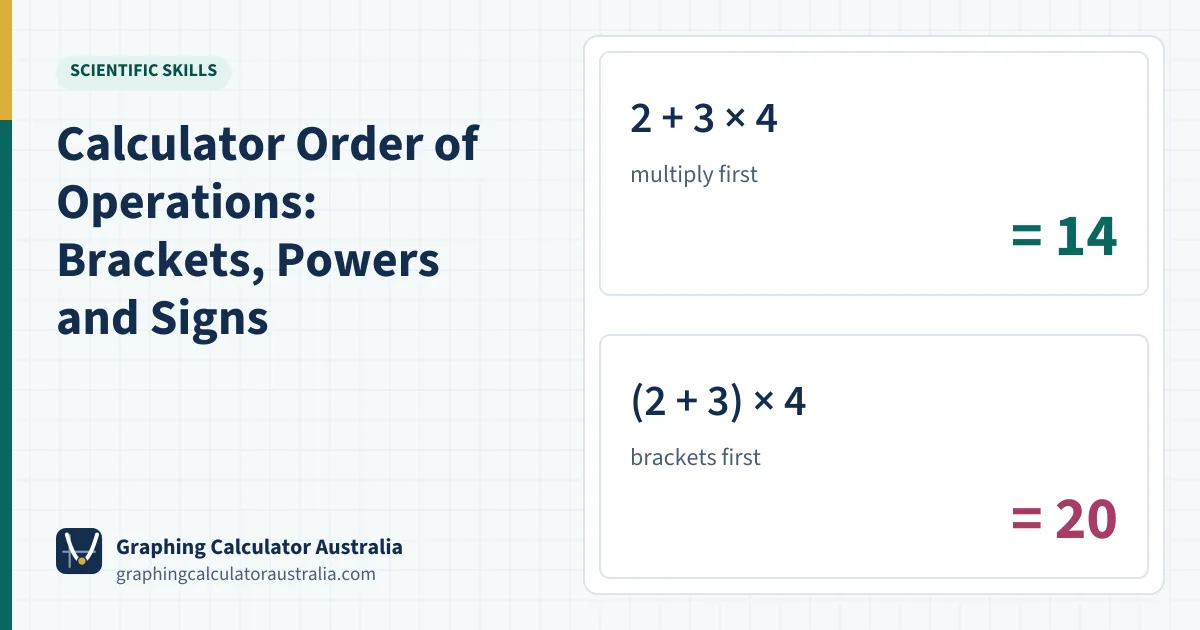
Brackets also control order. (2+3)*4 = 20, while 2+3*4 = 14. See order of operations.
Try sqrt(81) in the scientific calculator →
Step 3: press = or Enter
The answer appears in large text and is added to History. If the input cannot be evaluated, you see a plain-language error instead, such as “A closing bracket ) is missing” or “Factorial is not defined for negative numbers”. The calculator never invents a number for an invalid input.
Step 4: check the answer makes sense
Quick checks catch most slips:
- Square roots: 9 × 9 = 81, so sqrt(81) = 9 is right.
- Logs: 10³ = 1000, so log(1000) = 3.
- Size: sin and cos are always between −1 and 1. A result of 0.988… for sin(30) means you are in radian mode.
Useful features
- Ans inserts the previous answer, so
ans*2doubles it. - ⌫ deletes one character; C clears the entry.
- Copy result copies the last answer as plain text.
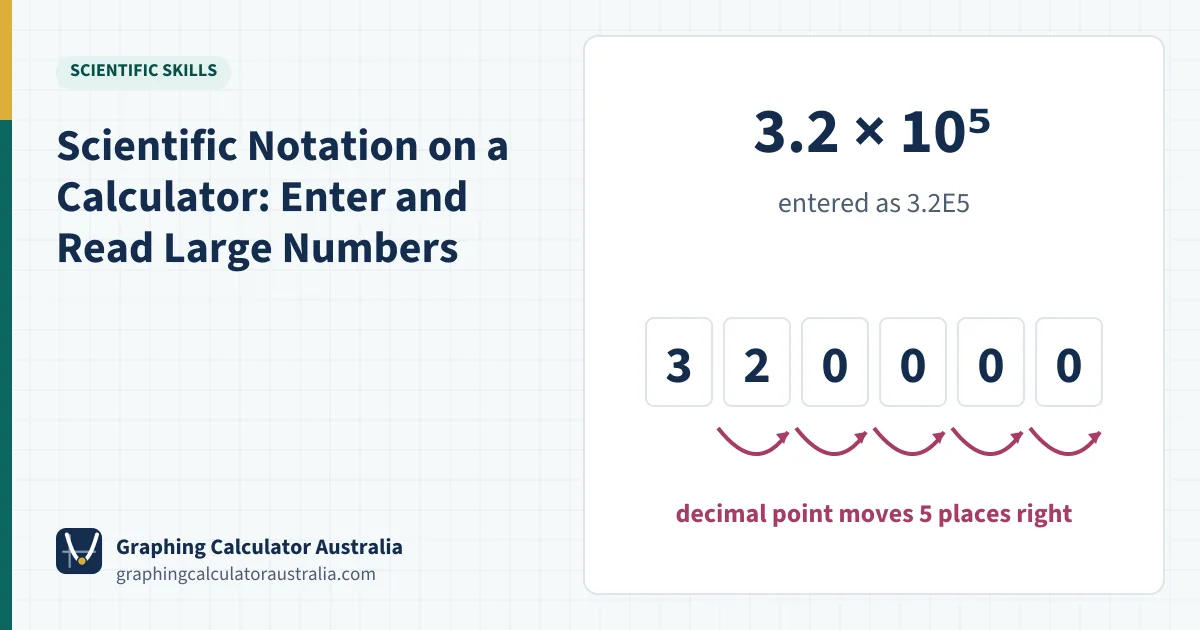
- ×10ⁿ inserts
Efor scientific notation:3.2E5= 320000. See scientific notation. - History items can be clicked to reload the expression.
History is stored only in your current browser tab and disappears when you close it. We do not record your calculations.
Supported range and rounding
Results are shown to 12 significant figures. Very large or small results switch to E notation, e.g. 1.5E15. The calculator uses standard double-precision arithmetic: values beyond about 1.8 × 10³⁰⁸ are reported as overflow, and factorials are supported for whole numbers from 0 to 170.
Common mistakes
- Wrong angle mode for trig.
- Forgetting brackets:
sqrt(9+16)= 5, butsqrt(9)+16= 19. - Squaring a negative without brackets:
-3^2= −9;(-3)^2= 9. - Expecting % to work like a shop calculator. Here % simply divides by 100.
Common questions
Does it handle fractions?
You can type fractions as division, such as 3/4, and get a decimal (0.75). There is no fraction-template display.
Can I use the keyboard?
Yes. Type directly, press Enter for =, and Escape to clear.
How this guide was made: drafted with AI assistance under the site’s editorial policy. Worked examples and plotted figures are computed by the same maths engine as our calculators and checked by automated tests. Found an error? Report a correction.