The TI-84 Plus and TI-84 Plus CE share a name and a menu style, but they are different generations of hardware. If you are choosing between them, buying second-hand, or using one in class, these are the differences that Texas Instruments publishes. We do not quote prices because they change; check current retailers.
Verified specifications
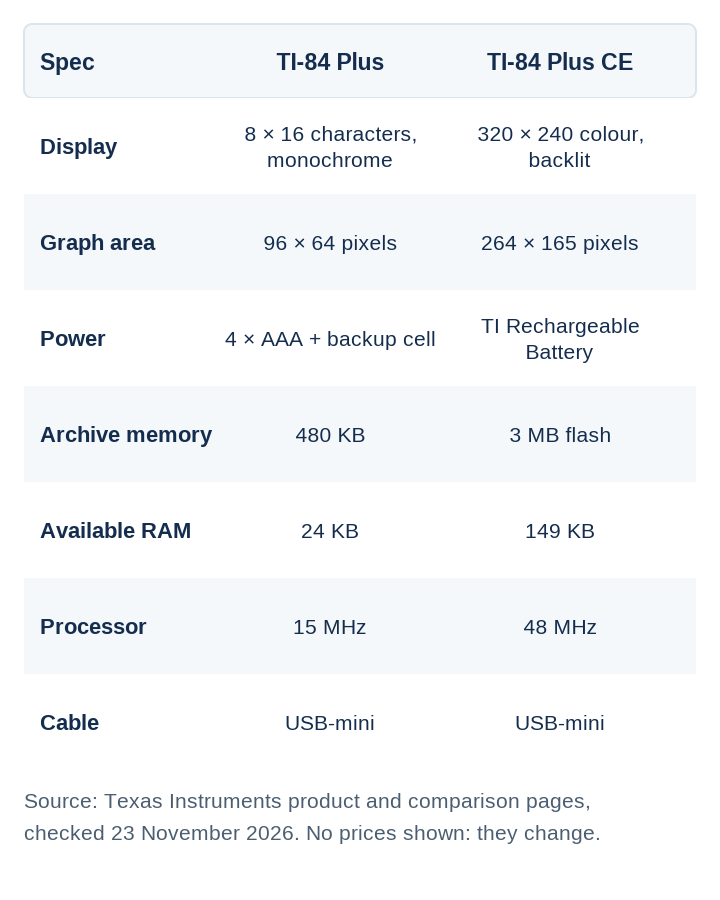
| Specification | TI-84 Plus | TI-84 Plus CE |
|---|---|---|
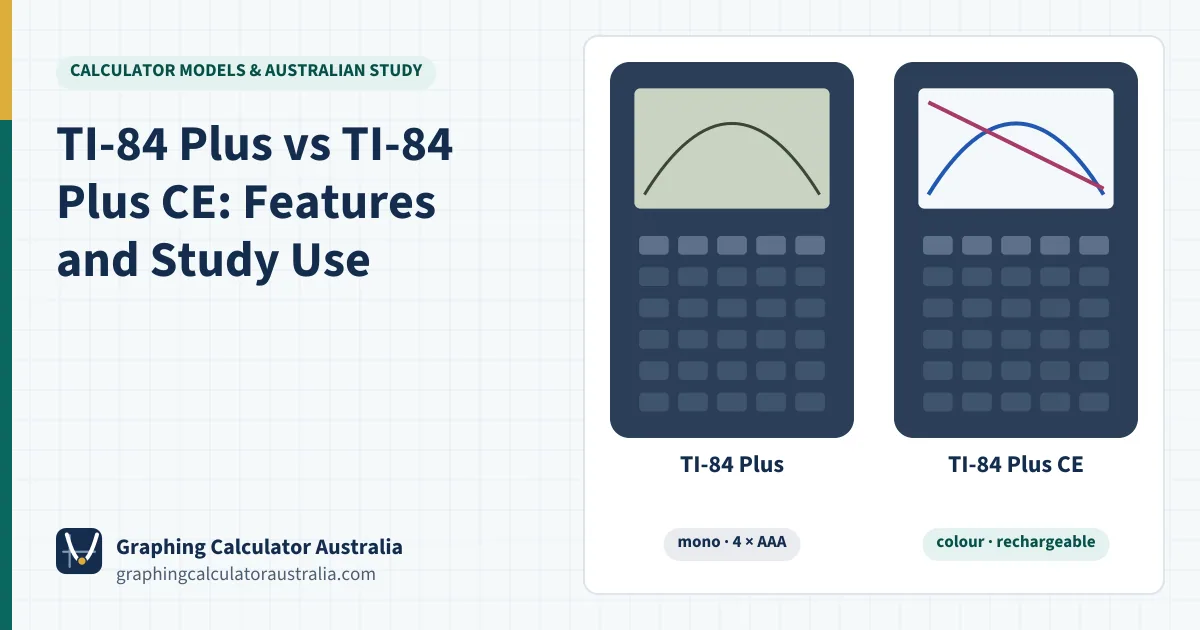
| Display | 8-line by 16-character monochrome | 320 × 240 pixels, 2.8-inch diagonal, 16-bit colour, backlit |
| Graphing area (TI comparison) | 96 × 64 | 264 × 165 |
| Power | Four AAA batteries, with a backup battery to protect RAM during battery changes | TI Rechargeable Battery (USB, wall adapter or charging station) |
| Storage | 480 KB ROM for archive and apps | 3 MB flash ROM for archive and apps |
| Available RAM | 24 KB | 149 KB |
| Processor (TI comparison) | 15 MHz | 48 MHz |
| Cable (TI comparison) | USB-mini | USB-mini |
| Size | Earlier generation | TI describes it as 30% lighter and thinner than earlier TI-84 Plus models |
TI’s Australian TI-84 Plus CE page also lists features such as adding images to the graph background, 15 colours for function graphing, and Catalog syntax help. A separate TI-84 Plus CE Python edition adds Python programming; TI lists it under the same CE family specifications.
What the differences mean for study
- Reading graphs: the CE’s colour screen makes it easier to tell several functions apart, and its larger graphing area shows more detail.
- Power: the CE needs regular charging; see how to charge a TI-84 Plus CE. The TI-84 Plus needs spare AAA batteries.
- Familiarity: TI states the CE keeps the same menu structure and navigation as the TI-84 Plus family, so skills largely transfer.
- Programs and apps: more memory on the CE means room for more apps; check that any program you rely on supports your model.
- Exams: whether either model is allowed depends on your authority, subject and year. NESA’s HSC list, for example, does not permit graphing calculators. See Australian exam calculator rules.
Hardware versus online access
Owning a handheld and using a calculator online are different things. TI sells a separate subscription-based TI-84 Plus CE Online Calculator; independent tools such as our graphing calculator are not TI products. Our TI-84 online options guide compares them.
Newer models
TI also lists a newer TI-84 Evo on its comparison page, and QCAA memo 044/26 notes it was added to Queensland’s approved graphics calculator list in 2026. If you are buying now, compare all current models and check your school’s booklist.
Common questions
Can the two models share files?
TI’s CE specifications list USB connectivity for unit-to-unit communication with the TI-84 Plus, TI-84 Plus Silver Edition, TI-84 Plus C Silver Edition and other TI-84 Plus CE calculators. Whether a particular program runs on both depends on the program.
Does the CE do 3D graphing or CAS?
TI’s specifications for the TI-84 Plus CE list 2D function graphing features; they do not list CAS. Do not assume features that are not on TI’s specification page.
Sources and references
- TI-84 Plus graphing calculator specifications — Texas Instruments (checked 23 November 2026)
- TI-84 Plus CE graphing calculator (Australia & New Zealand) — Texas Instruments (checked 23 November 2026)
- TI-84 Plus CE family specifications (Australia) — Texas Instruments (checked 23 November 2026)
- TI-84 Evo comparison table (processor, graph area, memory, cable) — Texas Instruments (checked 23 November 2026)
How this guide was made: drafted with AI assistance under the site’s editorial policy. Worked examples and plotted figures are computed by the same maths engine as our calculators and checked by automated tests. Found an error? Report a correction.