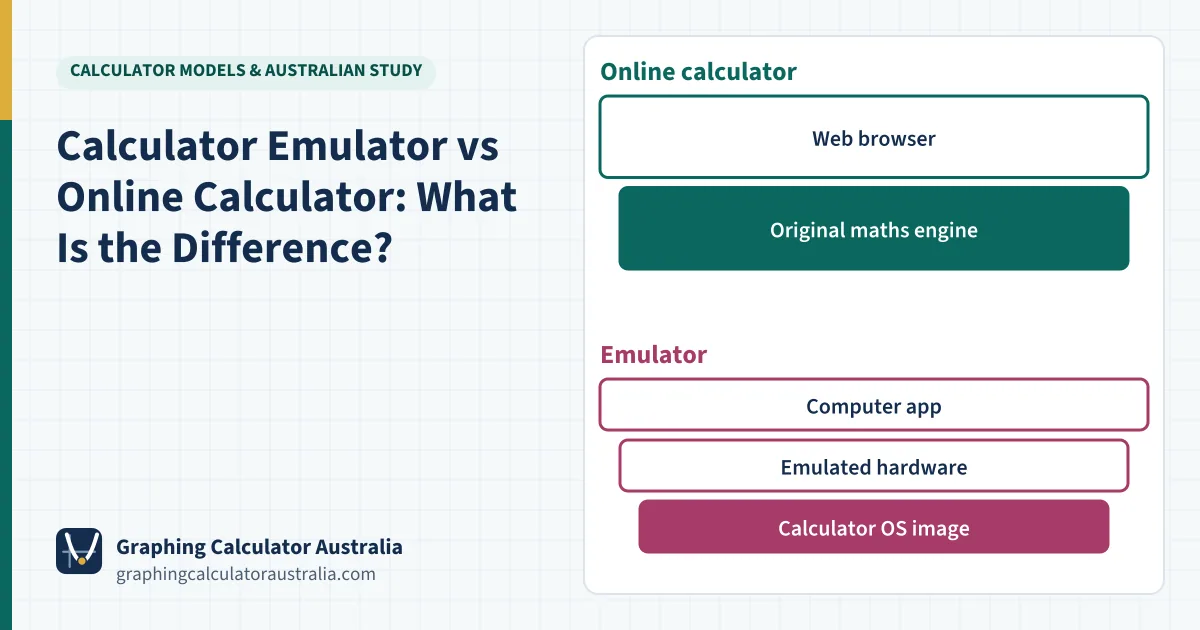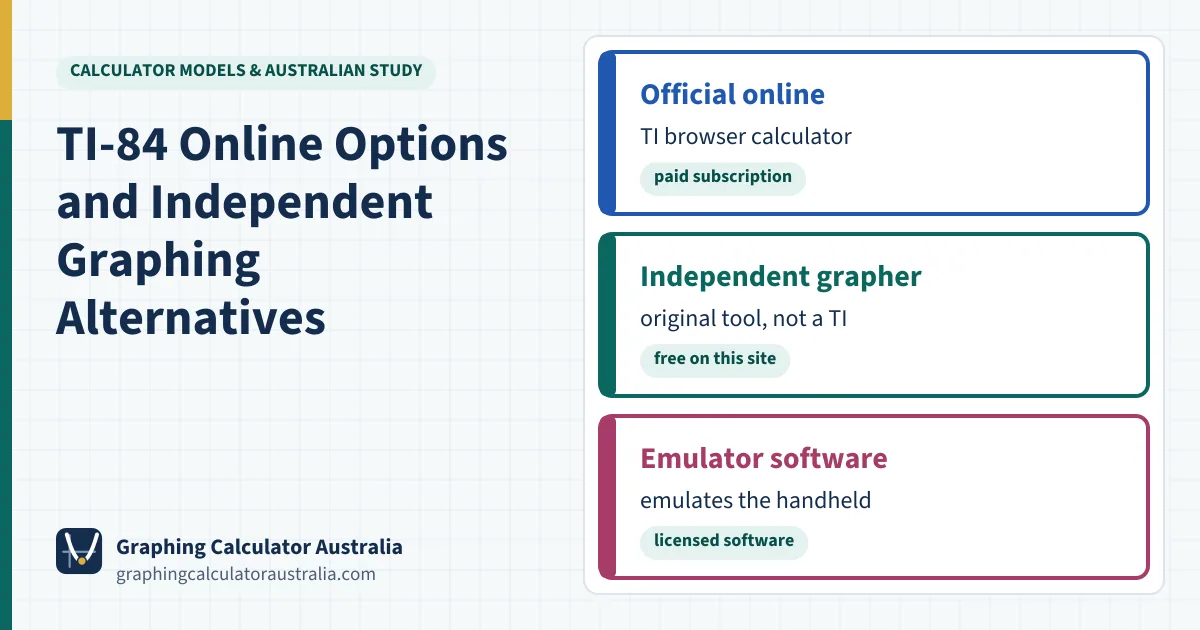
Many students search for a “TI-84 calculator online” because their class uses one. Before you choose a website, it helps to know what is actually on offer. There are three different things that are easy to confuse: an official online product, official emulator software, and independent online graphers.
Route 1: TI’s official online calculator
Texas Instruments sells the TI-84 Plus CE Online Calculator, a browser-based version of the handheld. According to TI’s product page (checked 23 November 2026):
- it provides the same apps and core functionality as the handheld, with a similar button layout and menus;
- it works on Chromebook, Windows and Mac computers;
- it is a subscription product — the US product page listed an individual licence at US$20 per year, with quotes for school multi-user licences;
- it does not include a test mode and is not presented as approved for high-stakes exams;
- TI’s comparison lists Python programming, data-collection accessories and loading or sharing calculator files as not included.
TI’s software page also states that students receive a free four-year licence with the retail purchase of a TI-84 Plus CE. Check TI’s current page for the latest terms and Australian pricing.
Route 2: TI-SmartView CE (emulator software)
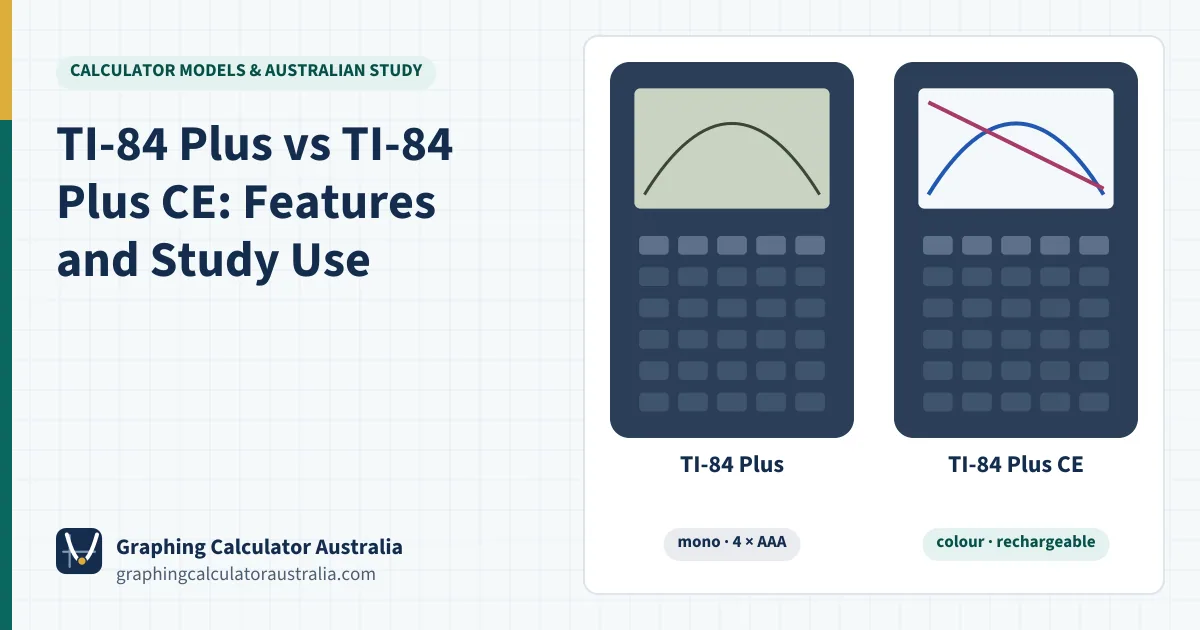
TI-SmartView CE is TI’s emulator software for the TI-84 Plus family. TI describes it as a demonstration tool for teachers that runs on a PC or Mac and emulates the TI-84 Plus CE, TI-84 Plus C Silver Edition and TI-84 Plus. It is licensed by subscription (single-user or multi-user). It is best suited to teachers projecting a calculator for a class.
Route 3: independent online graphers
Independent graphers — such as our graphing calculator — are separate products with their own interfaces. They are not emulators. Ours is free and runs in any modern browser, and it covers:
- plotting up to six y = f(x) functions;
- radians or degrees;
- roots, y-intercepts and intersections within the window;
- value tables with CSV export and PNG graph export.
It does not offer TI menus or key sequences, programs, statistics plots, regression, matrices, apps or CAS.
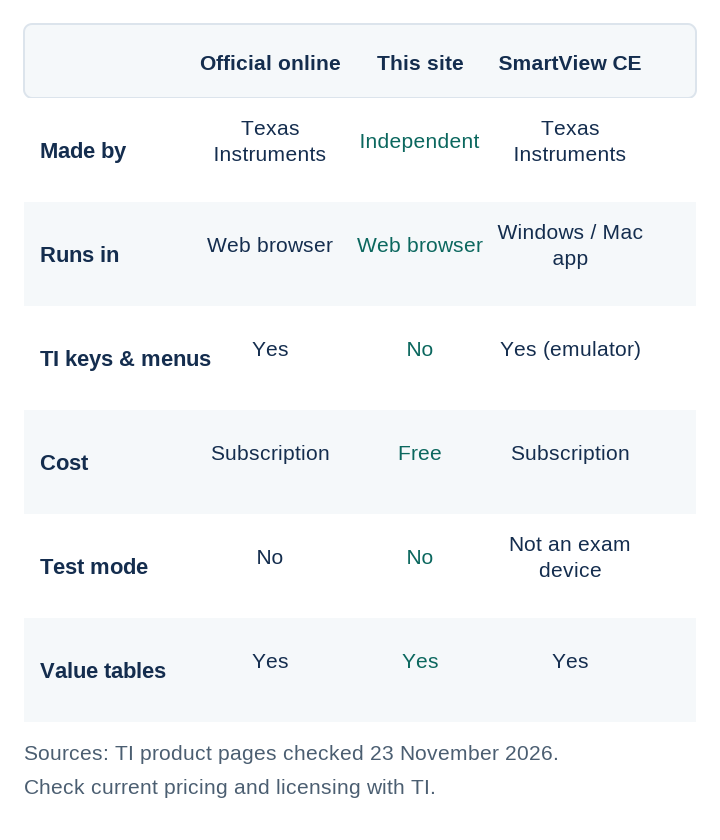
Which route suits you?
- You need to practise the exact TI key sequences your class uses: use a physical TI-84 Plus CE or TI’s official online calculator.
- You are a teacher demonstrating a TI-84 to a class: TI-SmartView CE is designed for that.
- You want to see a graph quickly, check homework or explore functions: an independent grapher is fast and free.
What to avoid
- “Free TI-84 emulator” downloads that bundle calculator operating-system or ROM files. The calculator OS is TI’s software; using copies you are not licensed to use may breach copyright and TI’s terms, and unknown downloads can carry malware. See the emulator guide.
- Sites that claim to be a TI-84 without TI’s licence.
- Assuming any online option is allowed in an exam. See how to check exam calculator rules.
Common questions
Is your calculator a free TI-84?
No. It is an independent graphing tool with different features and a different interface. It is useful for many graphing tasks, but if you must learn TI keystrokes, practise on a TI device or TI’s official product.
Will my graphs look the same as on a TI-84 Plus CE?
The mathematics is the same — y = x² − 4 has roots at ±2 on any correct grapher — but screens, default windows and menus differ.
Sources and references
- TI-84 Plus CE Online Calculator — Texas Instruments (checked 23 November 2026)
- TI-SmartView CE emulator software for the TI-84 Plus family (Australia) — Texas Instruments (checked 23 November 2026)
- Software for the TI-84 Plus CE — Texas Instruments (checked 23 November 2026)
How this guide was made: drafted with AI assistance under the site’s editorial policy. Worked examples and plotted figures are computed by the same maths engine as our calculators and checked by automated tests. Found an error? Report a correction.