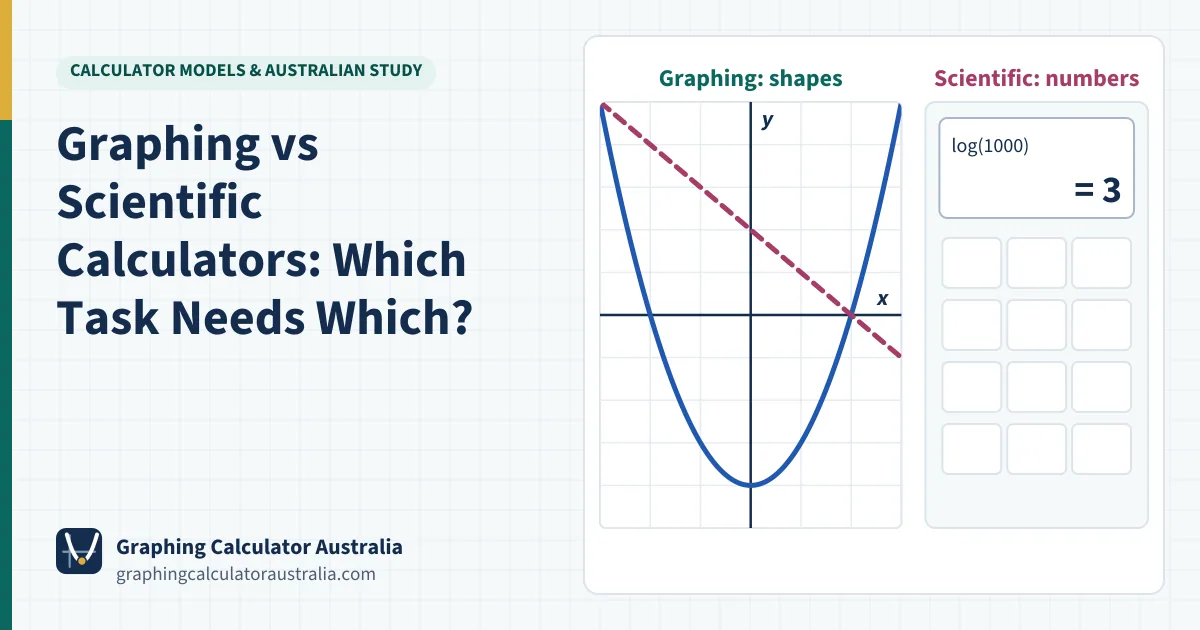
Both kinds of calculator do arithmetic. The difference is what they are built to show you. A scientific calculator answers “what is this number?”. A graphing calculator answers “what does this relationship look like, and where are its important points?”.
Side by side
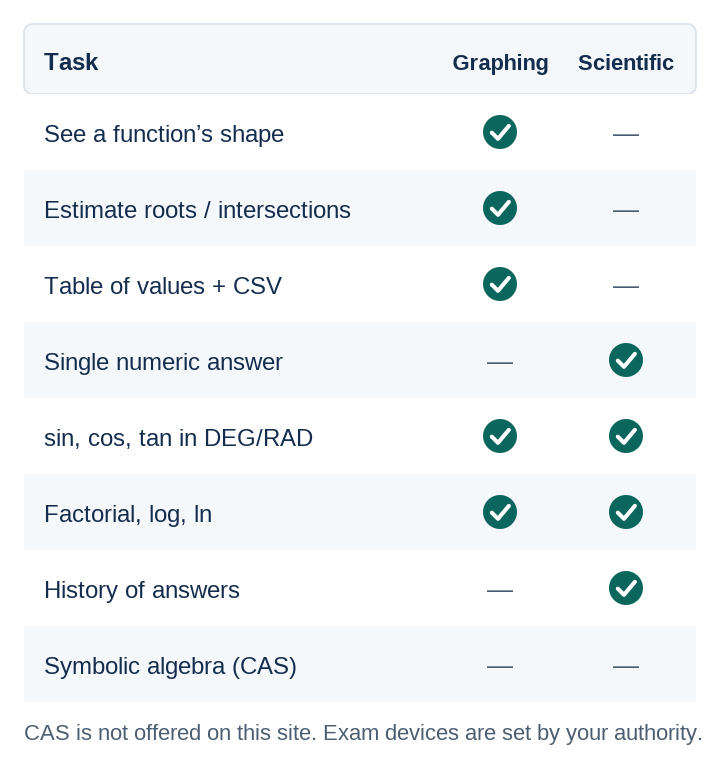
| Task | Graphing calculator | Scientific calculator |
|---|---|---|
| See the shape of y = x² − 4 | Yes | No |
| Estimate roots and intersections | Yes (within the window) | No |
| Table of values and CSV export | Yes | No |
| A single answer such as log(1000) | Possible via Evaluate | Yes, quickest |
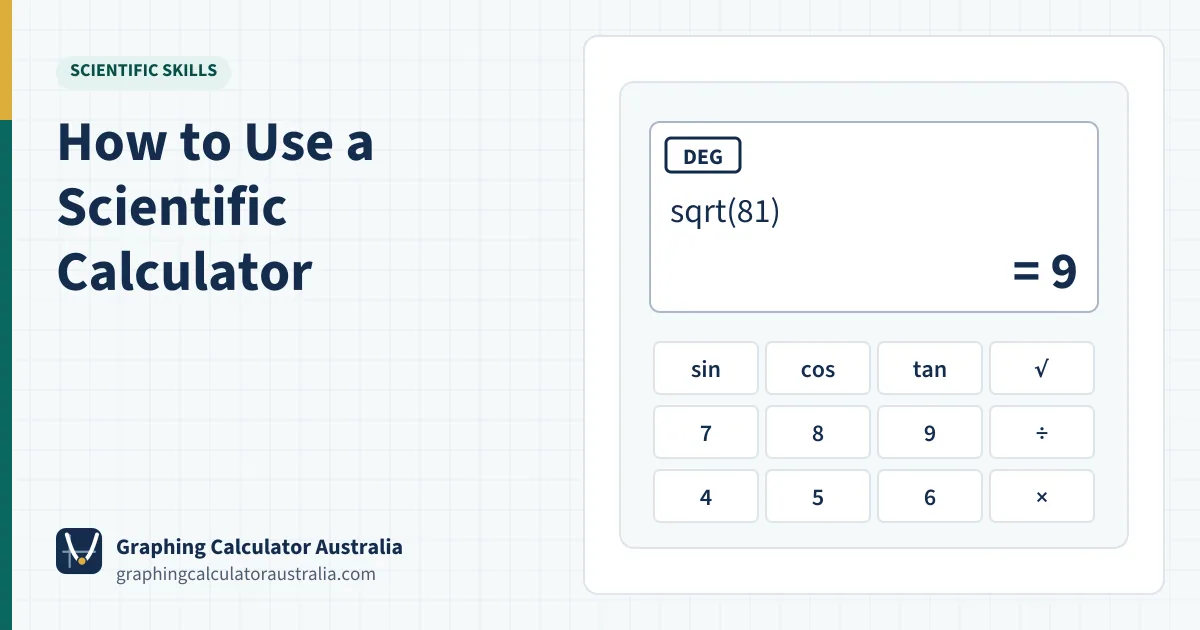
| sin, cos, tan in degrees or radians | Yes | Yes |
| Factorial, logs, powers, roots | Yes (inside functions) | Yes |
| Session history and Ans | No | Yes |
| Symbolic algebra (CAS) | No | No |
Both tools use the same maths engine, so sin(30) in degree mode gives 0.5 in each, and the order of operations is identical.
When a graph is the better tool
- Understanding behaviour. Does the function rise, fall, oscillate or have asymptotes?
- Solving equations visually. Where do y = x² − 4 and y = 2 − x meet? A graph shows two crossings at (−3, 5) and (2, 0).
- Checking algebra. If your factorised quadratic has roots 1 and 3, the graph should cross at 1 and 3.
- Building a table quickly for many x values.
When a scientific calculator is better
- One-off calculations with many operations: (3.2E5 × 4) ÷ 7.
- Trig values in triangle problems.
- Reusing answers with Ans and History.
- Fewer distractions when you only need a number.
What about CAS calculators?
A CAS (computer algebra system) calculator manipulates expressions symbolically: it can factorise x² − 4 into (x − 2)(x + 2), or solve equations exactly. Our tools do not include CAS; they work numerically. Some Australian senior courses require or permit CAS devices in specific examinations — for example, the Victorian Curriculum and Assessment Authority publishes a list of approved CAS calculators and software for particular VCE Mathematics examinations.
Australian exams decide the device
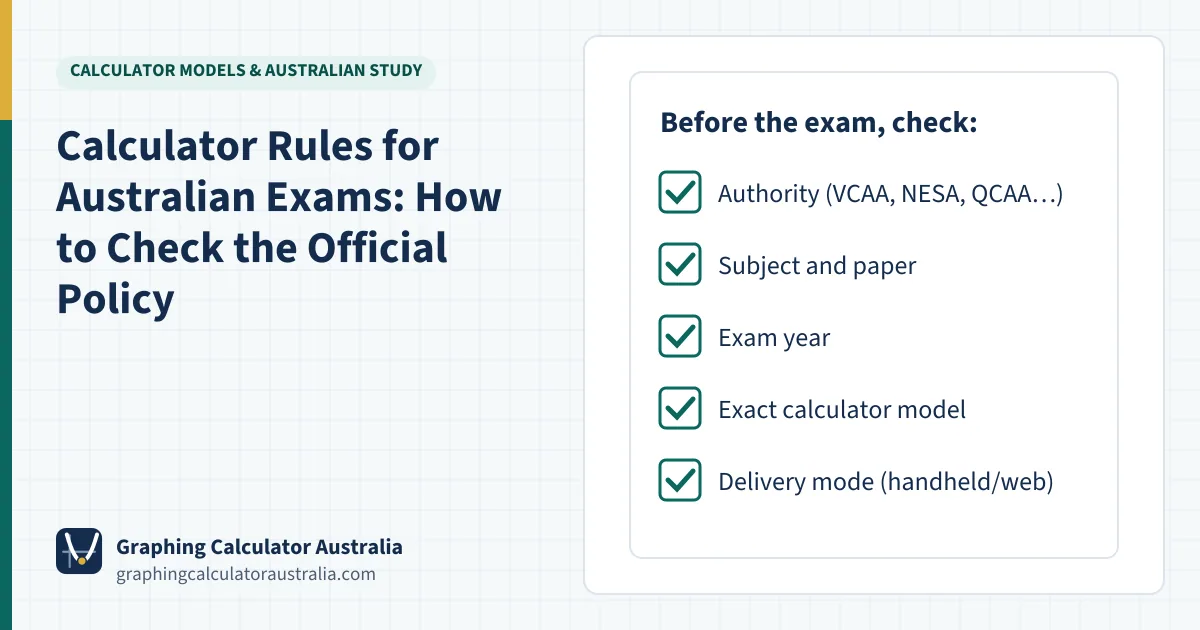
Which calculator you may use in an exam is set by your state or territory authority and your school, not by what a website can do. The rules differ by state, subject, paper and year. For example, NESA’s approved calculator page for the 2027 HSC lists scientific calculators only and states that approved calculators may not have graphing, programmable or CAS functionality. Other states permit approved graphics or CAS calculators in some papers.
Our online tools are for learning and practice. They are not exam devices. Read how to check the official calculator rules for your exam.
Choosing for study
- Junior and middle-school maths: a scientific calculator covers almost everything; a grapher helps you understand functions.
- Senior maths: use the device type your course and school specify, and practise on that exact model.
- Self-study and checking homework: an online grapher is quick for visual checks; always show your own working.
Common questions
Is a graphing calculator always better?
No. It is more capable, but for single calculations a scientific calculator is faster, and for exams the permitted type matters more than capability.
Can I use your graphing calculator as a scientific one?
Partly. Evaluate a constant function such as log(1000) at any x. The scientific calculator is quicker and keeps a history.
Sources and references
- Approved technology (VCE Mathematics) — Victorian Curriculum and Assessment Authority (checked 23 November 2026)
- Approved calculators — 2027 HSC — NSW Education Standards Authority (checked 23 November 2026)
How this guide was made: drafted with AI assistance under the site’s editorial policy. Worked examples and plotted figures are computed by the same maths engine as our calculators and checked by automated tests. Found an error? Report a correction.