People use “calculator emulator”, “graphing calculator simulator” and “online calculator” as if they meant the same thing. They do not. The difference affects how closely the tool matches a real device, whether you need a licence, what it costs and where it runs.
Three kinds of tool
1. Independent online calculator
An original program — like our graphing and scientific calculators — with its own maths engine and interface. It does not run any manufacturer’s software. Results follow standard mathematics, but the keys, menus and output format are its own.
2. Official emulator or online product
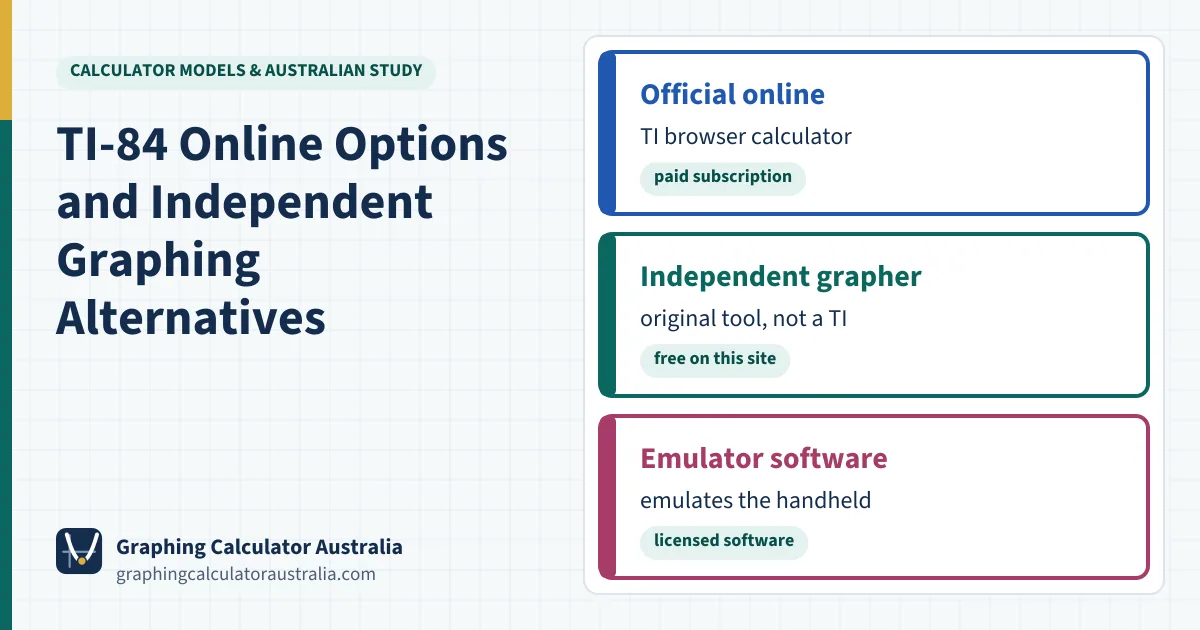
Software published (or licensed) by the calculator maker that reproduces a specific model. Examples from Texas Instruments include TI-SmartView CE, emulator software for the TI-84 Plus family on Windows and Mac, and the browser-based TI-84 Plus CE Online Calculator. Both were sold by subscription when we checked TI’s pages on 23 November 2026.
3. Third-party emulator
A program written by someone other than the manufacturer that imitates the calculator’s hardware. On its own it usually does nothing useful: it needs a copy of the calculator’s operating system or ROM image to run. That OS is the manufacturer’s copyrighted software.
How they work
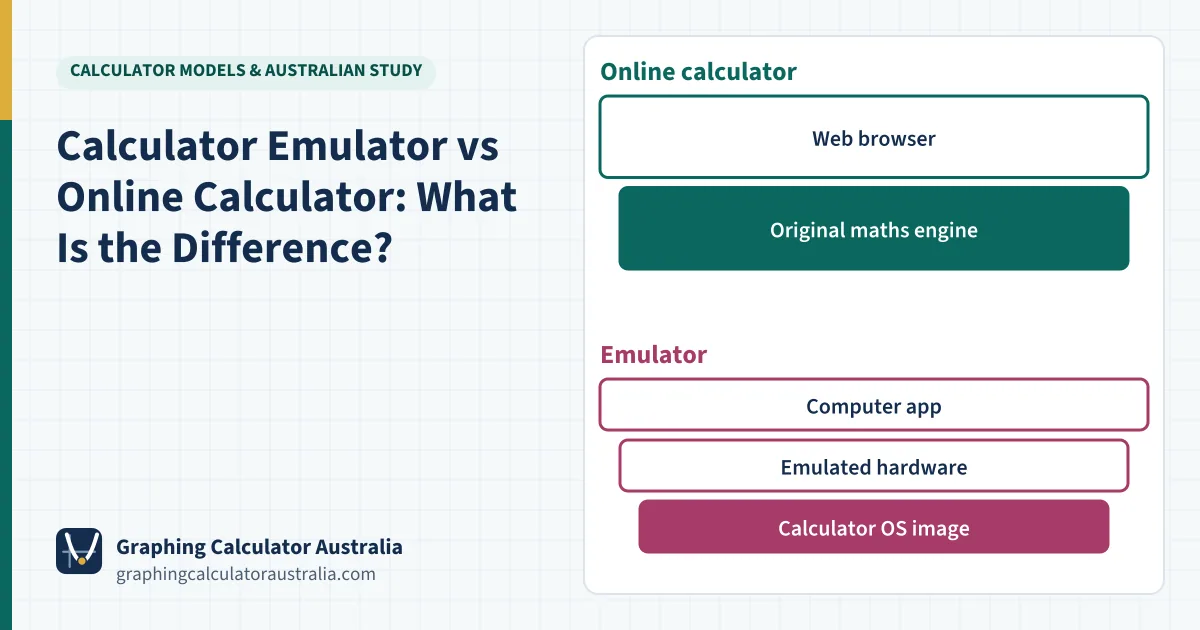
- Online calculator: browser → our code parses your expression → our engine calculates → we draw the result. Nothing from a calculator manufacturer is involved.
- Emulator: computer → emulator imitates the calculator’s processor, memory and screen → the calculator’s own OS runs on top → you press virtual keys exactly as on the handheld.
That is why an emulator matches a handheld’s behaviour so closely: it is running the same OS. It is also why an emulator needs that OS.
Comparison
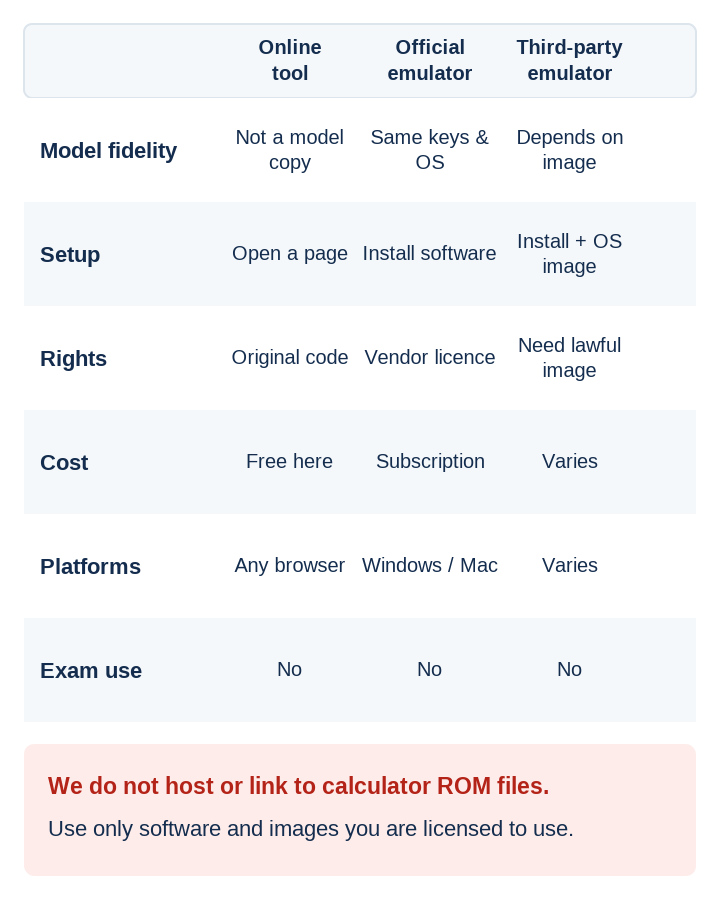
| Factor | Independent online tool | Official emulator | Third-party emulator |
|---|---|---|---|
| Model fidelity | Not a copy of any model | Same keys, menus and OS | Depends on the emulator and OS image |
| Setup | Open a web page | Install or sign in | Install, then supply an OS/ROM image |
| Rights | Original code | Licensed by the manufacturer | You need a lawful image |
| Cost | Free on this site | Subscription (TI, when checked) | Varies |
| Platforms | Any modern browser | As listed by the vendor | Varies |
| Exam use | No | No | No |
Licensing and safety
- We do not host, link to or explain how to obtain calculator ROM or OS files.
- Downloading a ROM from an unofficial site may breach the manufacturer’s copyright and terms, and unknown downloads can contain malware.
- If you need an exact TI experience on a computer, use TI’s own products or your physical calculator.
- Not everything is free: official emulators and online products may require a paid licence.
Which should you use?
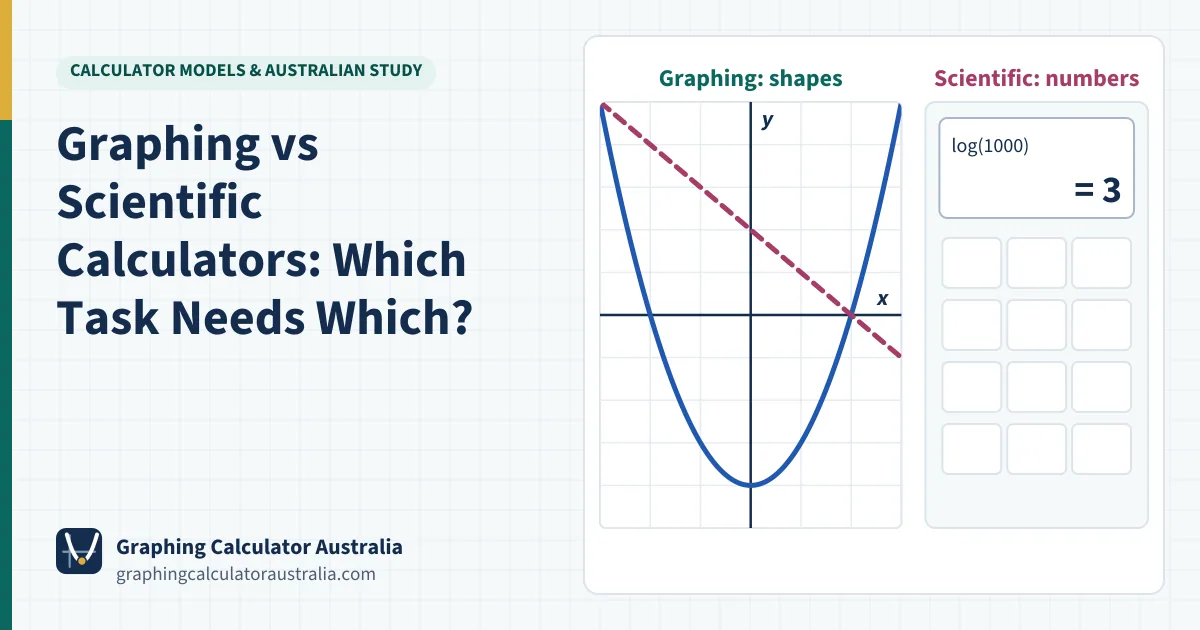
- Learning concepts, checking homework, quick graphs: an independent online calculator.
- Practising exact keystrokes for a specific model: the physical calculator, or the manufacturer’s official emulator or online product.
- Teaching a class with a projected calculator: the manufacturer’s teacher emulator software.
Common questions
Is your site an emulator?
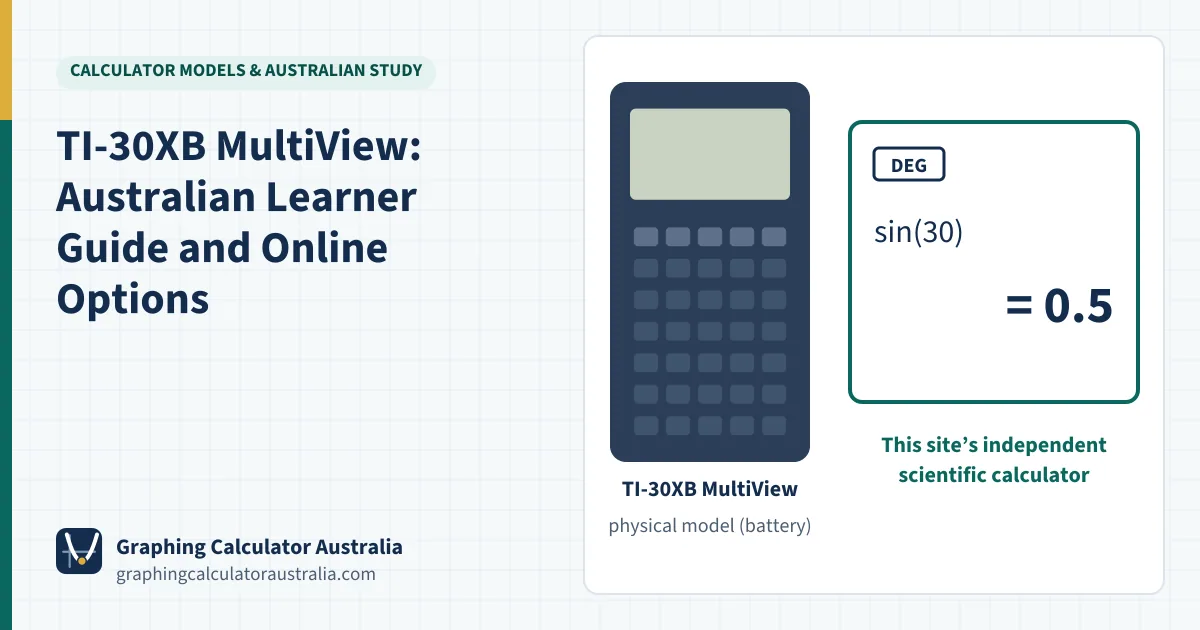
No. Our calculators are independent implementations written from scratch. They are labelled with their real capabilities and do not imitate any brand.
Are emulators allowed in exams?
Not as a substitute for a permitted handheld. Some authorities allow specific software in specific circumstances (for example, approved CAS software in some VCE papers, or accessibility arrangements). Check your authority’s rules.
Sources and references
- TI-SmartView CE emulator software for the TI-84 Plus family — Texas Instruments (checked 23 November 2026)
- TI-84 Plus CE Online Calculator — Texas Instruments (checked 23 November 2026)
How this guide was made: drafted with AI assistance under the site’s editorial policy. Worked examples and plotted figures are computed by the same maths engine as our calculators and checked by automated tests. Found an error? Report a correction.